Your home, within reach.
Organise devices by room. Adjust individual controls or activate a scene that changes several devices together.
Connect your devices. Run your routines. See your home.
The Ena Form. hub is the connection point for the home system we’re developing. The companion app puts its controls, readings and everyday information within reach.
Explore connections ↗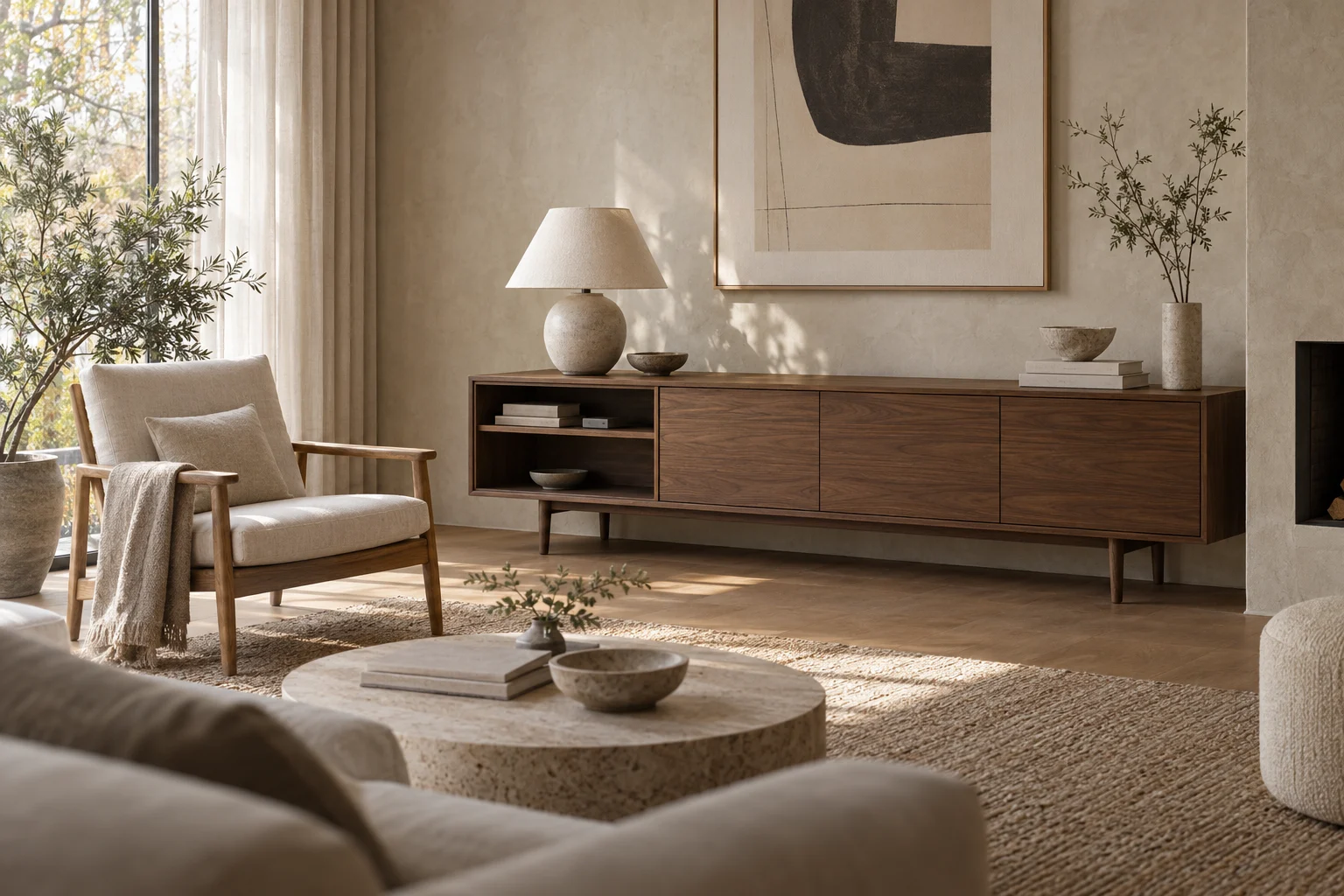
Lighting · climate · cameras
Energy · sensors · everyday services
Connections · controls · routines
Rooms · readings · plans · music
Tablet and phone experiences
System architecture concept. Final hardware design, software capabilities and connection requirements are in development.
Organise devices by room. Adjust individual controls or activate a scene that changes several devices together.
Combine schedules, events and sensor readings with actions. Start with a simple routine and add conditions as you need them.
Bring current readings, historical trends and relevant alerts together, from room conditions to solar generation and battery charge.
Explore direct integrations, compatible bridges and supported standards. Exact models and connection requirements will be listed as support is verified.
Choose the rooms, controls and information in your views. Use colours that belong in your space.
Bring appointments, reminders, weather and music into the same view as your home controls.
A schedule can trigger several actions. Preview the intended behaviour below; this does not operate equipment.
Evening schedule
35% brightness
72°F target
Paused
Sample controls. No devices connected.
A compact enclosure concept in brushed aluminium and walnut. The hub is intended to sit quietly on a shelf, with the app providing the view you use.
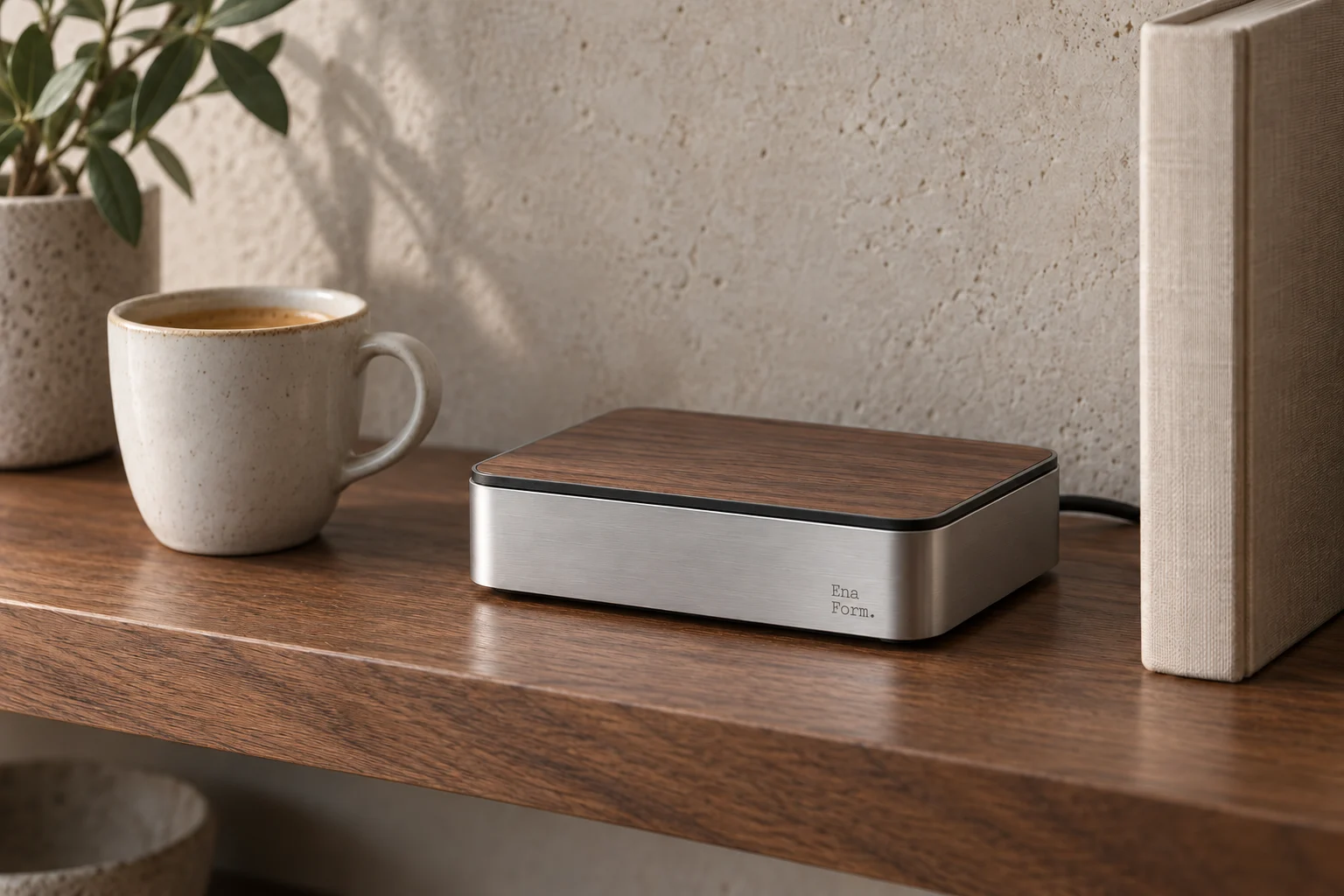
These are design targets, not final or tested product specifications. Hardware selection is ongoing.
Zigbee and Thread adapters are being evaluated. Matter support requires software and interoperability testing. These protocols are not confirmed built-in features.
Our development goal is local execution of supported controls and routines. Cloud-dependent services will be identified separately; offline capability is not yet confirmed.
Final specifications, included accessories, certifications, setup requirements and pricing will be confirmed before release.
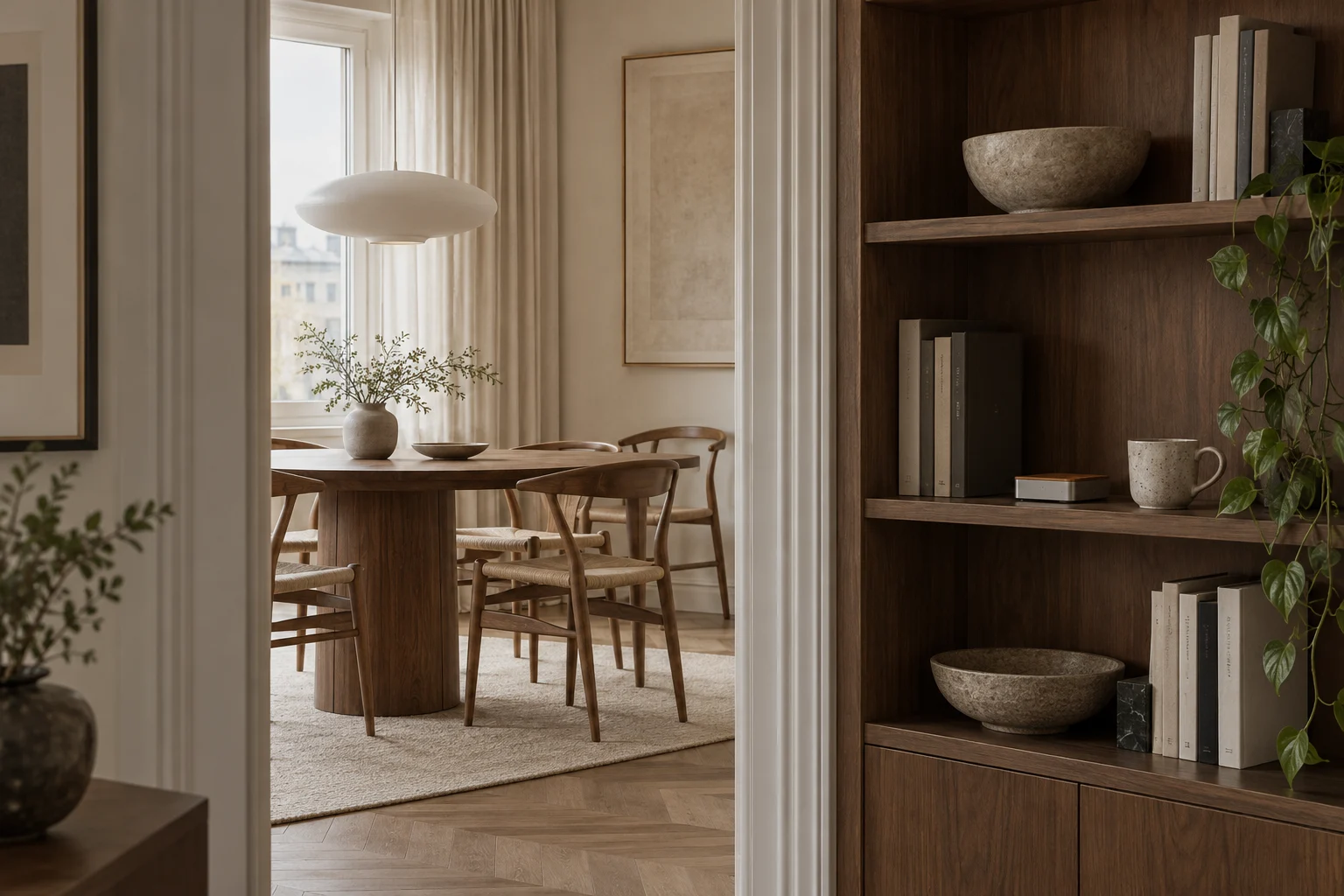
The design direction is simple: a small connection point that belongs beside the things you already live with.
Follow the release setup guide for network and equipment requirements.
Choose a verified integration and follow its model-specific setup instructions.
Organise rooms, select controls and configure the routines you want to use.